Run Smarter. Stay Healthy. Improve Faster.
Understand how your body really moves and absorbs load while running. Prevent injuries before they start and improve efficiency with confidence.
Analyze My Run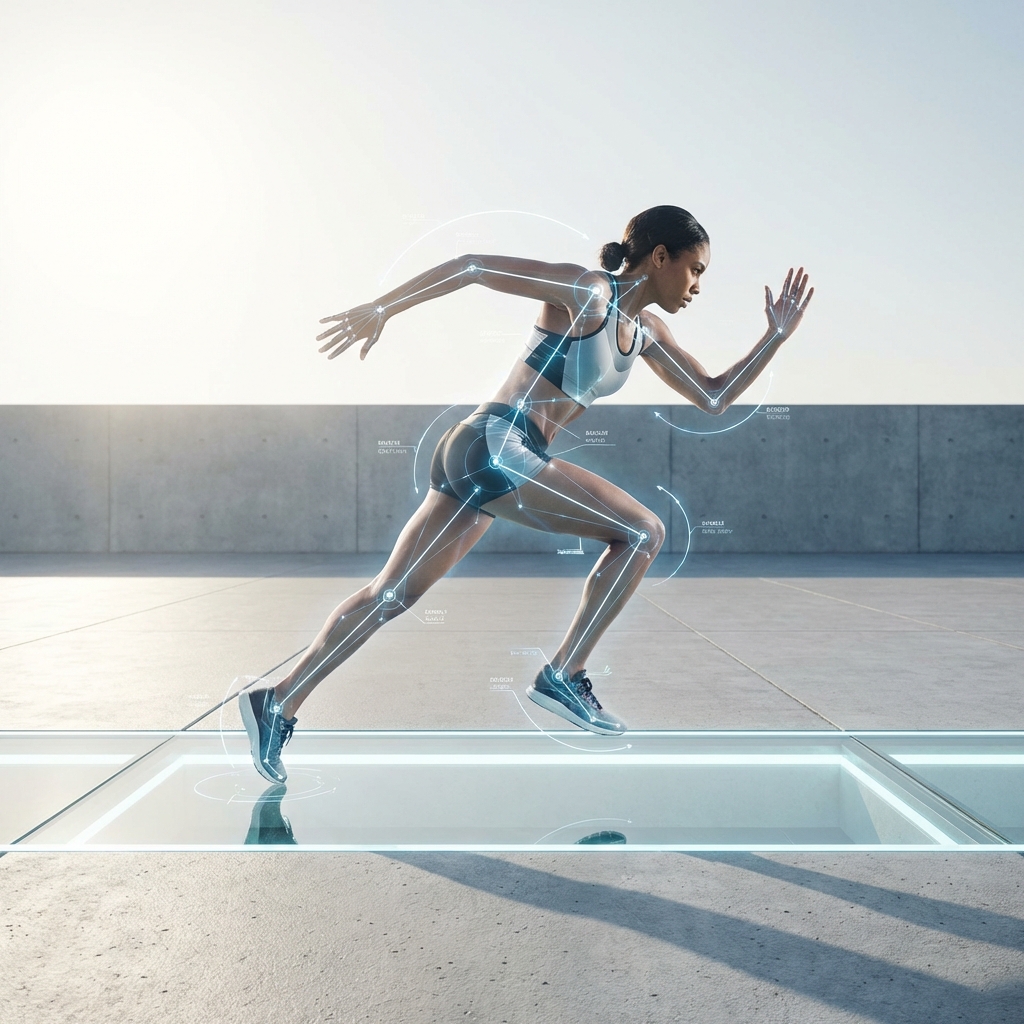
3D Motion Analysis
Full-body kinematic breakdown from video.
Impact & Load
Visualize joint loading and impact forces.
Personalized Tips
Custom drills based on your mechanics.
Progress Tracking
Monitor your form changes over time.
Coming Soon
The HoloMotion Run app is in its final stages of development. Be the first to know when it launches.
Notify Me at LaunchRecord a trial that can be reviewed
Choose a supported capture mode and follow its camera-placement instructions. Keep the relevant body segments visible and avoid changing the camera position between comparable trials.
Review the recording together with the reported timing, joint-angle and running-form outputs. When a trial is obscured or incomplete, repeat it before comparing sides or sessions.
Use repeated measurements to discuss technique and training choices. A movement-risk output is not a forecast that an injury will occur; pain or symptoms need appropriate professional assessment.
Check the supported device, region, app version and available features before download or deployment.
Choose a supported running workflow
For a runner reviewing technique, start with the running-form report guide and a repeatable capture task. For a coach comparing sessions, use the coaching workflow to retain the task and training context. A team purchasing equipment should instead review the deployment requirements and arrange a demonstration for its intended tasks.
Before installing an app, confirm the supported device, operating-system version, region and account access with the team. The assessment guide explains how to read a report; it is not an app-store listing or confirmation that every feature is available on a personal phone.