The Engine of Objective Movement
Powered by advanced computer vision and deep learning, HoloMotion turns any camera into a professional biomechanical analysis system.
At a glance
Explore HoloMotion technology for markerless 3D capture, AI computer vision, biomechanics modeling, clinical workflows, and deployment-ready analysis.
Updated May 2026Precision at the Speed of Light
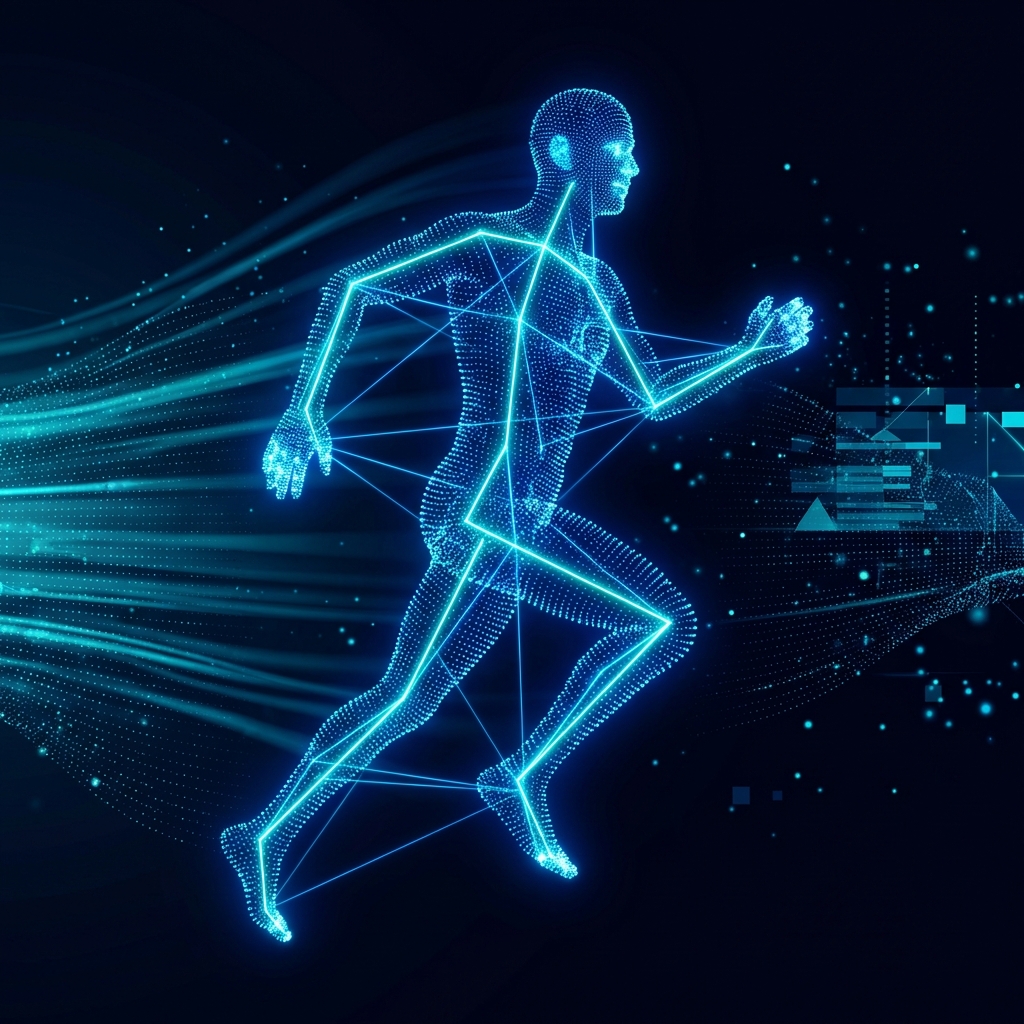
Our proprietary RGB-D fusion algorithms reconstruct 3D skeletal data in real-time.
HoloMotion Edge
Plug-and-play AI motion analysis appliances for every deployment scenario
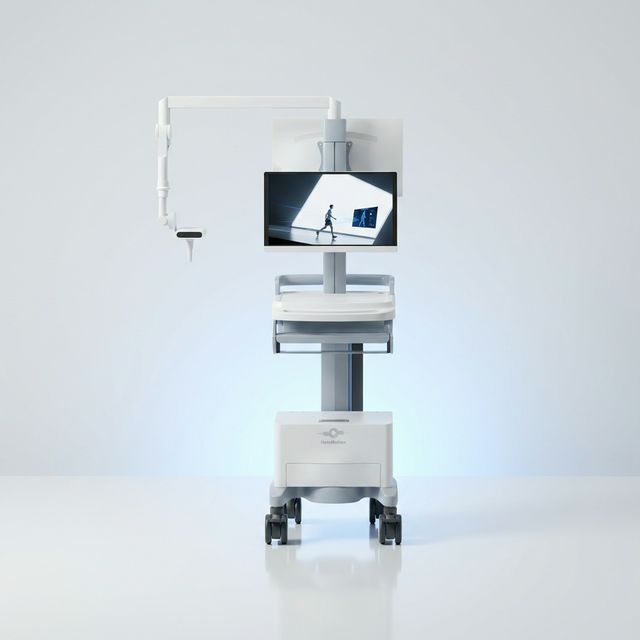
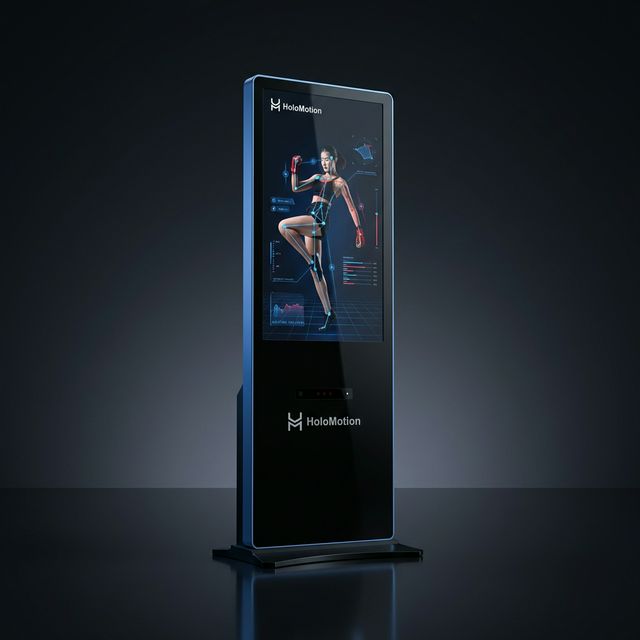
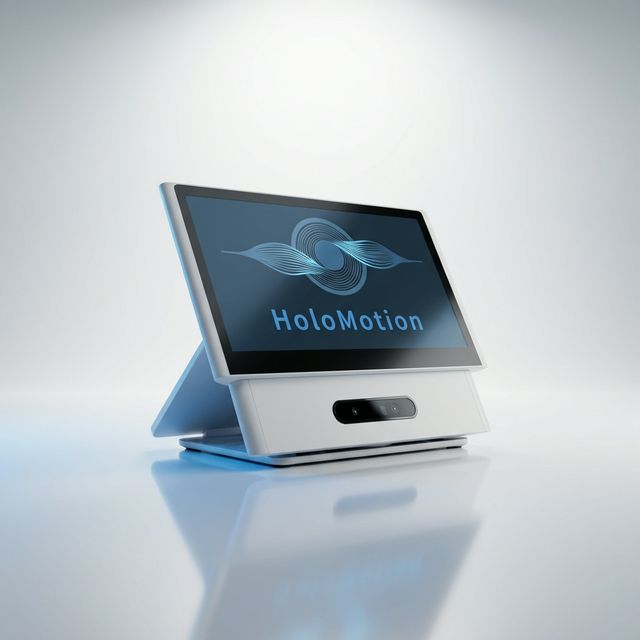
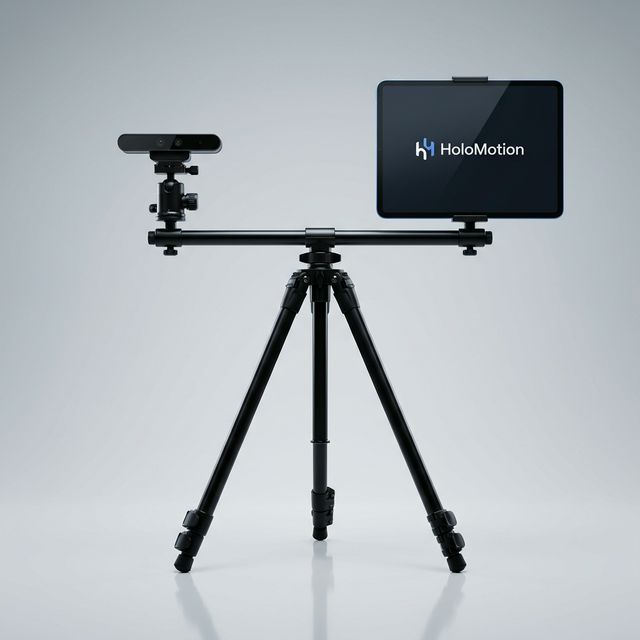
Software Platform
HoloMotion Edge
Plug-and-play AI Appliance with onboard RGB-D & chips.
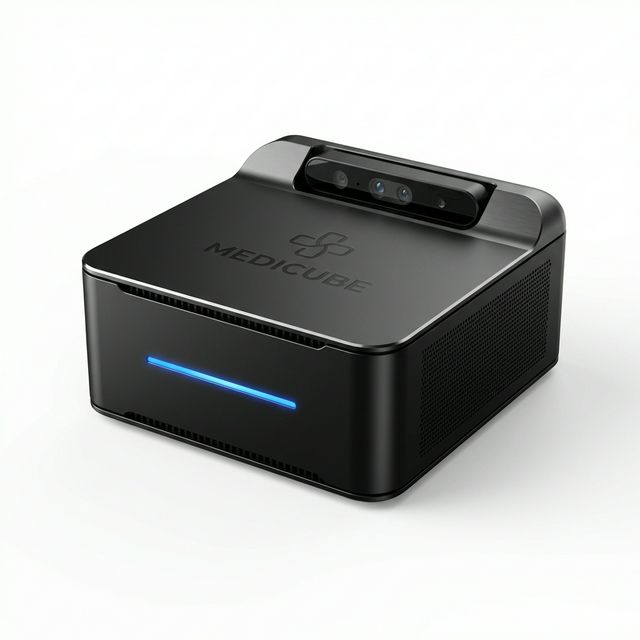
- ✓ On-device AI
- ✓ Integrated Camera
- ✓ No PC Required
HoloMotion SaaS
Full-cycle patient & assessment data management platform with structured reports, multi-period comparison, and personalized training plans.
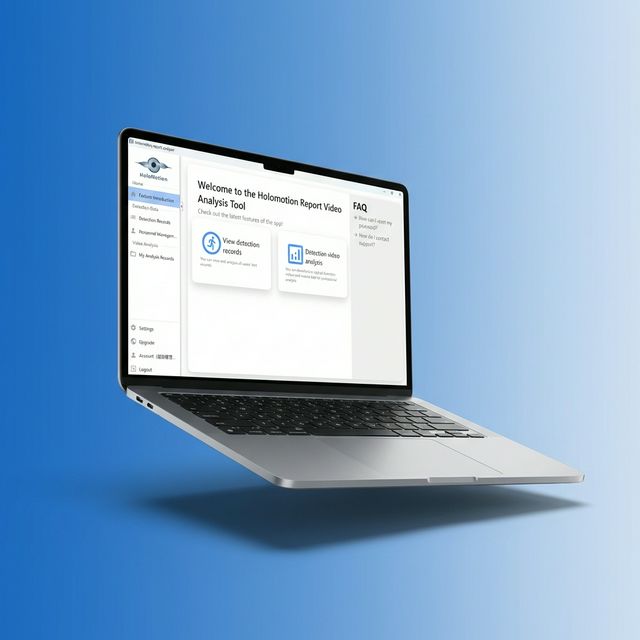
- ✓ Multi-user
- ✓ Cloud Sync
- ✓ PDF Reports
HoloMotion API
Flexible API integration service connecting HoloMotion with hospital HIS systems, corporate HR health platforms, and insurance risk management systems for seamless data exchange.
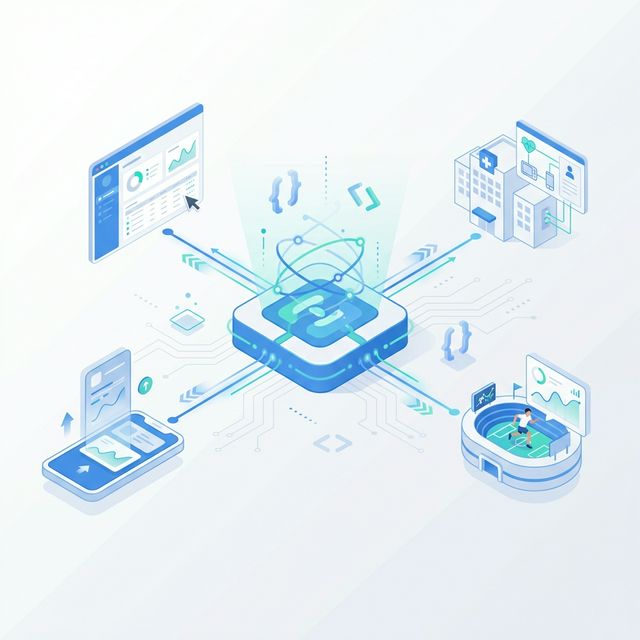
- ✓ Python SDK
- ✓ Raw Data
- ✓ Custom Pipelines
Mobile App
Capture & Instant Feedback
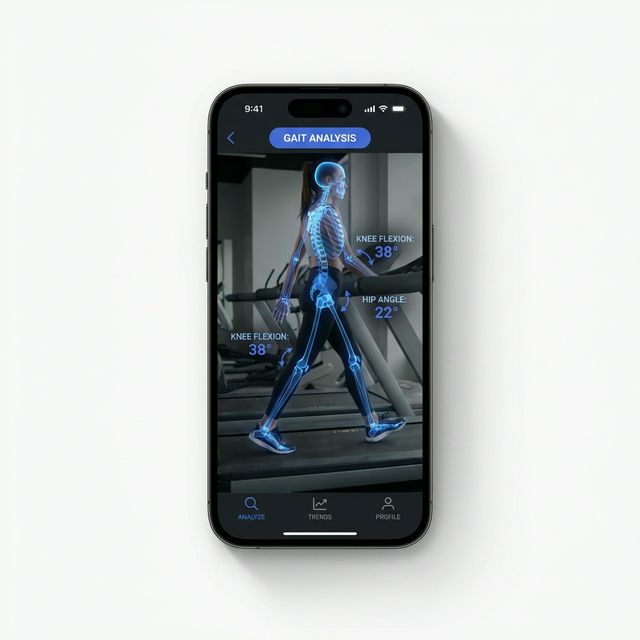
- ✓ LiDAR Support
- ✓ Auto-Record
- ✓ Slow-mo Analysis
Functional Assessment Packages
Click to see detailed information for each assessment
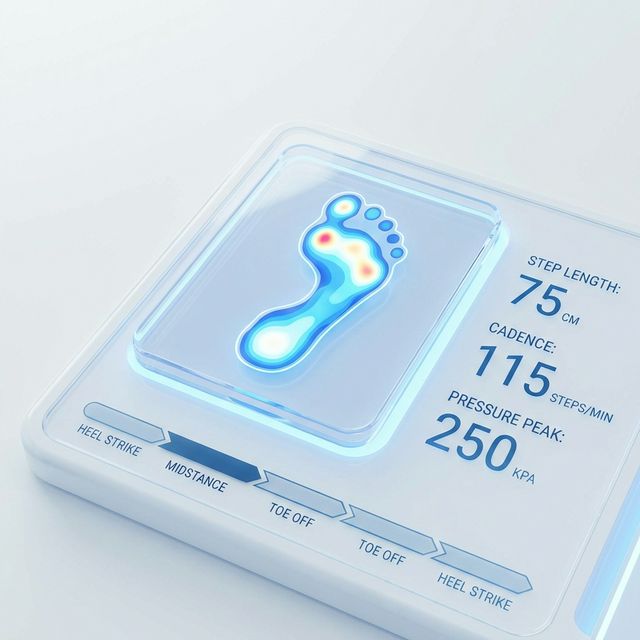
Gait Analysis
Full gait cycle spatio-temporal & biomechanical analysis
View Details →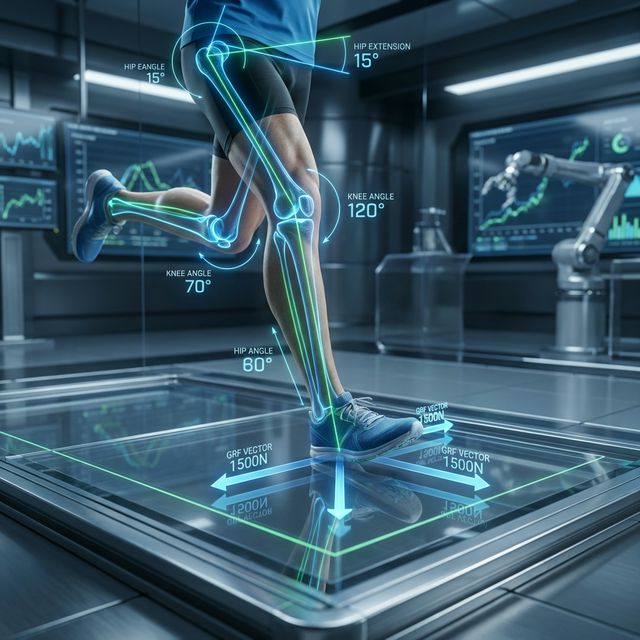
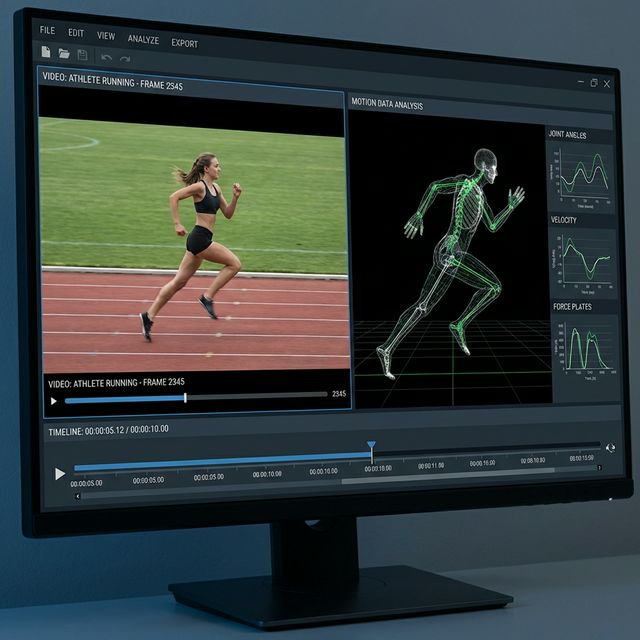
Running Form
Markerless camera-based movement analysis provides joint-angle and biomechanical outputs; available measures and capture settings depend on the configured product and protocol.
View Details →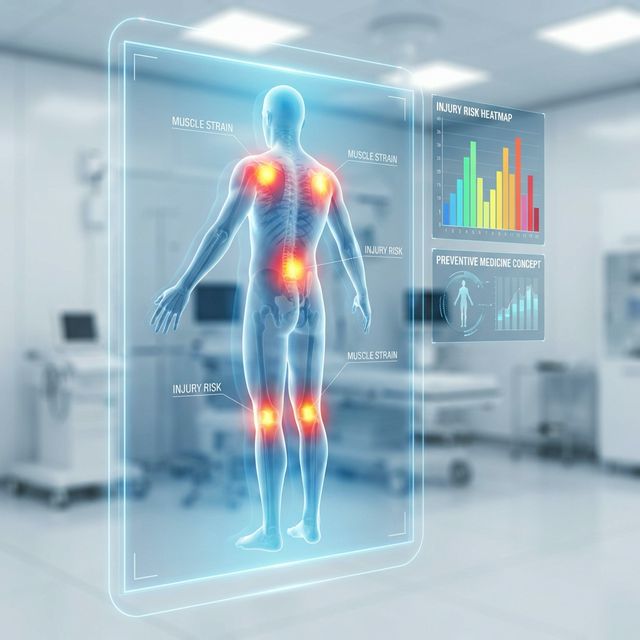
Risk Screening
Comprehensive musculoskeletal injury risk assessment
View Details →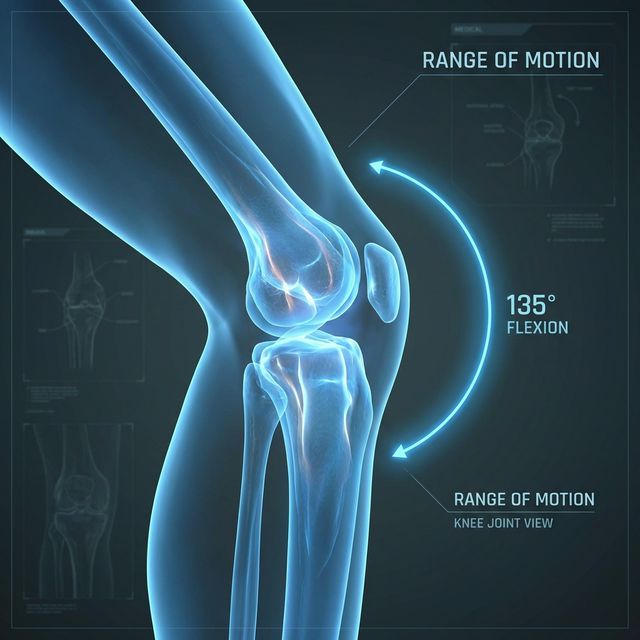
Joint ROM
Precise range of motion measurement by body segment
View Details →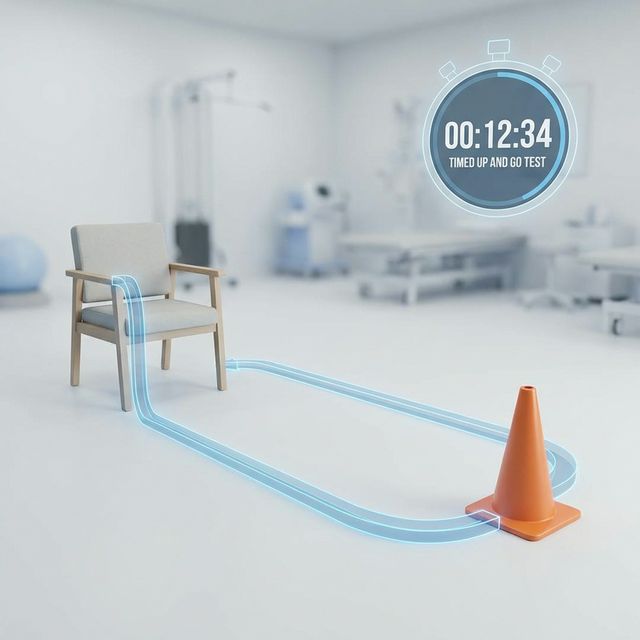
TUG Test
Timed Up-and-Go with dual-dimension gait assessment
View Details →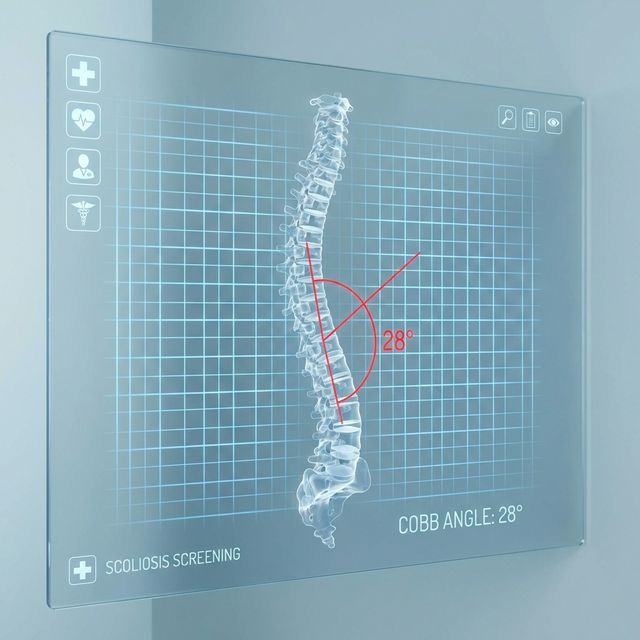
Body Posture & Spine
Posture evaluation & scoliosis screening
View Details →Analysis Software
FAQ
What technology powers HoloMotion?
HoloMotion combines markerless computer vision, 3D human pose estimation, biomechanics modeling, and workflow software for movement assessment.
What hardware is required?
Teams can use HoloMotion Edge hardware or compatible camera/video workflows depending on the assessment scenario and deployment requirements.
Is the platform limited to running analysis?
No. It supports gait, posture, ROM, functional movement, rehabilitation, research, sports performance, and occupational-risk scenarios.
Choose a workflow before choosing a device
Edge combines capture hardware and on-device analysis. The SaaS offering manages assessment records, reports and comparisons. API integration connects an agreed set of customer and assessment data with other systems. These are different parts of a workflow, and their specifications should be agreed together.
The published 2026 athlete study used a depth-sensing unit, approximately 2 m capture distance and skeletal calibration. Those conditions belong to that study. Camera calibration, subject calibration and data entry are different operations; ask which apply to your configured mode.
Before ordering, confirm model, software version, supported camera/input, movement protocol, report/export format, processing location, connectivity and service scope. An internal angle benchmark should be applied only to its stated protocol.
| Mode | Role in the workflow | Confirm for your deployment |
|---|---|---|
| H800S | Mobile clinical cart | Space, capture configuration and software version |
| H700 | Upright all-in-one | Placement and operator workflow |
| H500 | Portable all-in-one | Transport, capture environment and connectivity |
| H200 | Digital box | Compatible camera and computing configuration |
| SaaS | Records, reports and comparisons | Data location, user access and retention |
| API | System integration | Field dictionary, authentication and supported formats |
Input: define the capture task
For a HoloMotion capture deployment, specify the camera configuration, participant movement and capture environment together. Ask the team to demonstrate your intended task, including the lighting, clothing and aids that matter in your setting.
Processing files from an existing motion-capture system is a separate AI service evaluation. Bring a permitted, de-identified sample and its coordinate, unit, marker-label and gap conventions. Compatibility is established for that sample and agreed pipeline, not assumed for every device or file type.
Output: distinguish measurements from interpretations
Separate recorded input, AI-estimated movement, derived measurements and the professional interpretation of the report. For a proposed export, agree which layer is delivered, its units, timing, left/right conventions and treatment of incomplete trials.
Use a sample report or export during evaluation to check that the recipient can interpret and reuse it. A demonstration image is not a substitute for the agreed deliverable, and an API field dictionary must match the deployed interface.
Version: keep comparisons reproducible
Record the device model, camera configuration, software/model version and assessment protocol used for acceptance. Establish how changes are communicated and whether historical sessions can still be compared after an update.
Before connecting to another system, agree authentication, field mapping, supported export formats, processing location, retention and the responsibility for support. Confirm these in the project scope rather than inferring them from a product-family name.
Review: accept the complete workflow
Run a representative capture, inspect the result with the intended operator and reviewer, then test report retrieval or export in the recipient’s workflow. Include an incomplete capture so the team can demonstrate how it is identified and handled.
Define acceptance for the task you will use: capture quality, interpretation, data handoff and repeat measurement. Clinical decisions remain with qualified professionals; a technically successful export alone is not clinical validation.
AutoMarker AI
Already have motion-capture equipment? Put your C3D data to work.
AutoMarker AI adds an online marker-labeling and review workflow for optical motion-capture gait data. Start with your lab's marker set and a static reference.